About QuikScout Football
QuikScout Football is a complete video cataloging, editing and scouting system.
From one integrated menu, QuikScout Football offers cataloging and organization of video, scouting reports,
team presentations, training and web based instruction.
|
![Starburst]()

|
| |
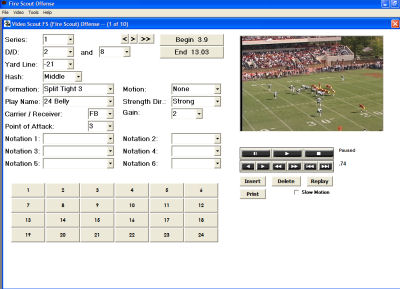
Edit Game Video
- Use your own terminology to quickly catalog and edit game video.
- Program up to six Notation Fields that can expand your video search needs.
- Use QuikScout's MyMedia folder for easy access and storage of game videos and play graphics.
|
|
| |
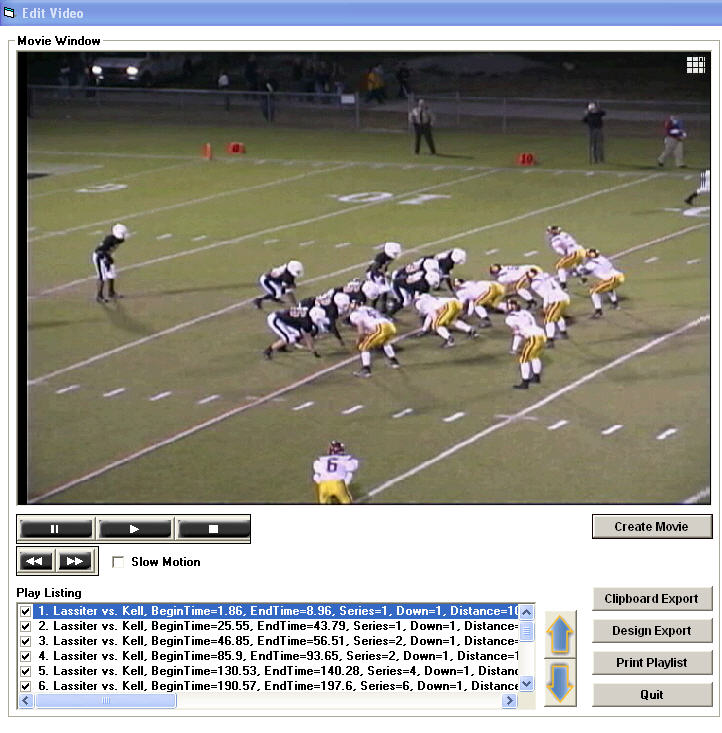
Organize Game Video
- QuikScout's powerful video search engines allow you to easily search and organize game video.
- After making an edit save the clips you would like to use in your presentation to the Video Library or the QuikScout Filmroom.
|
|
| |
|
| |
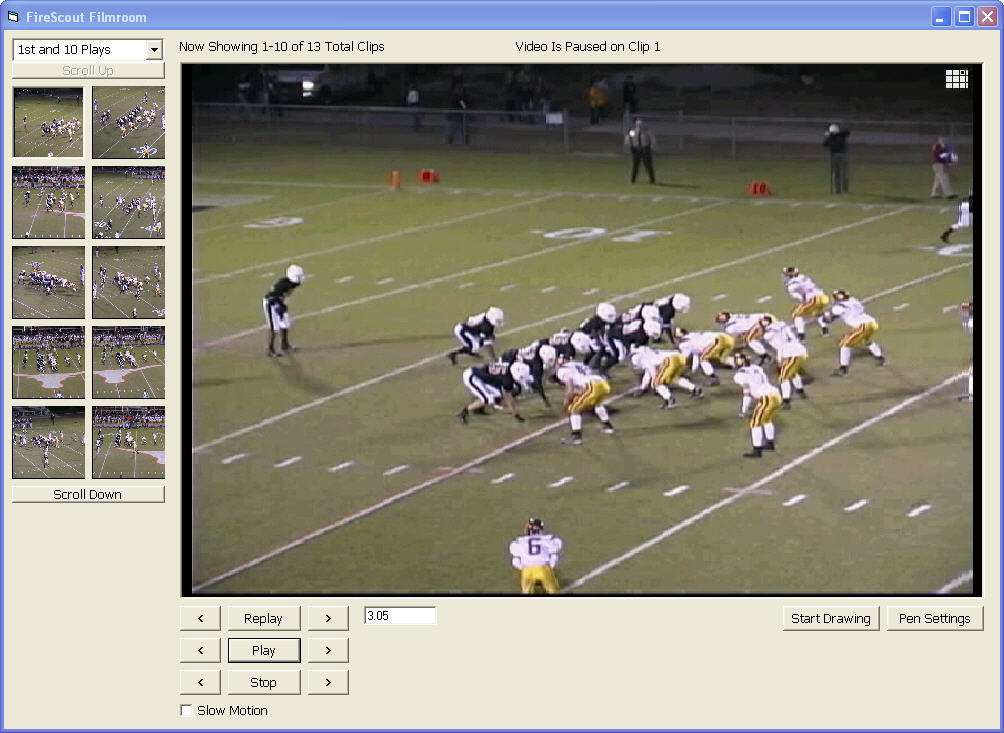
Present Your Scouting Report from the Filmroom
- The QuikScout Filmroom automatically organizes video clips for more efficient presentations during team meetings.
- Video thumbnails of all QB Rushing Plays appear on the left side of the screen allowing for more efficient navigation and team viewing.
|
|
| |
|
|
|
| |
Use Interactive White Boards
to Present Your Scouting Reports
-
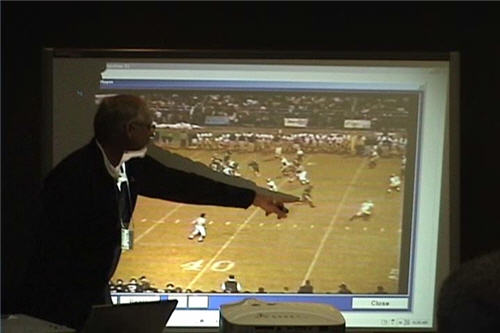
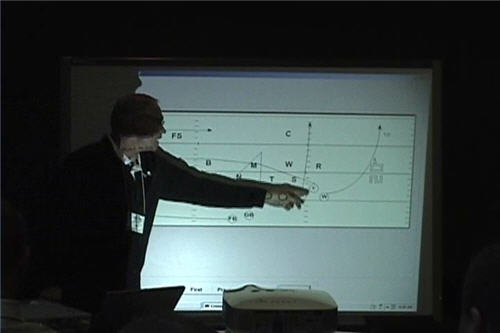
Coaches can take full advantage of QuikScout's integration with Interactive
White Boards and touch to resize text, graphic images and video clips for each
page of their presentation. Coach Bruce Cobleigh of Harrison High School
and popular Glazier Football Clinic speaker had this to say about QuikScout
Football:
"I could never create presentations like this before. I would have to keep
my text and graphics seperate. I would have to wait until the end of my
presenation to show my video clips. With QuikScout Football, I can present
everything in it's proper sequence."
|
|
| |
|
| |
-
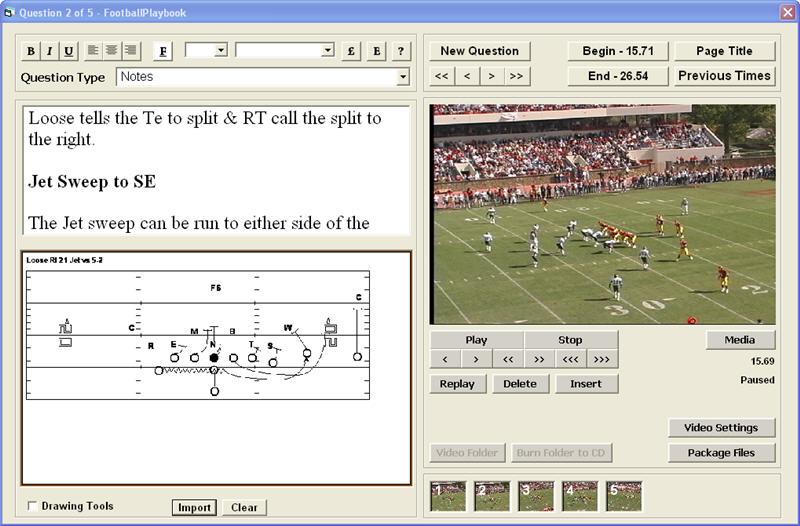
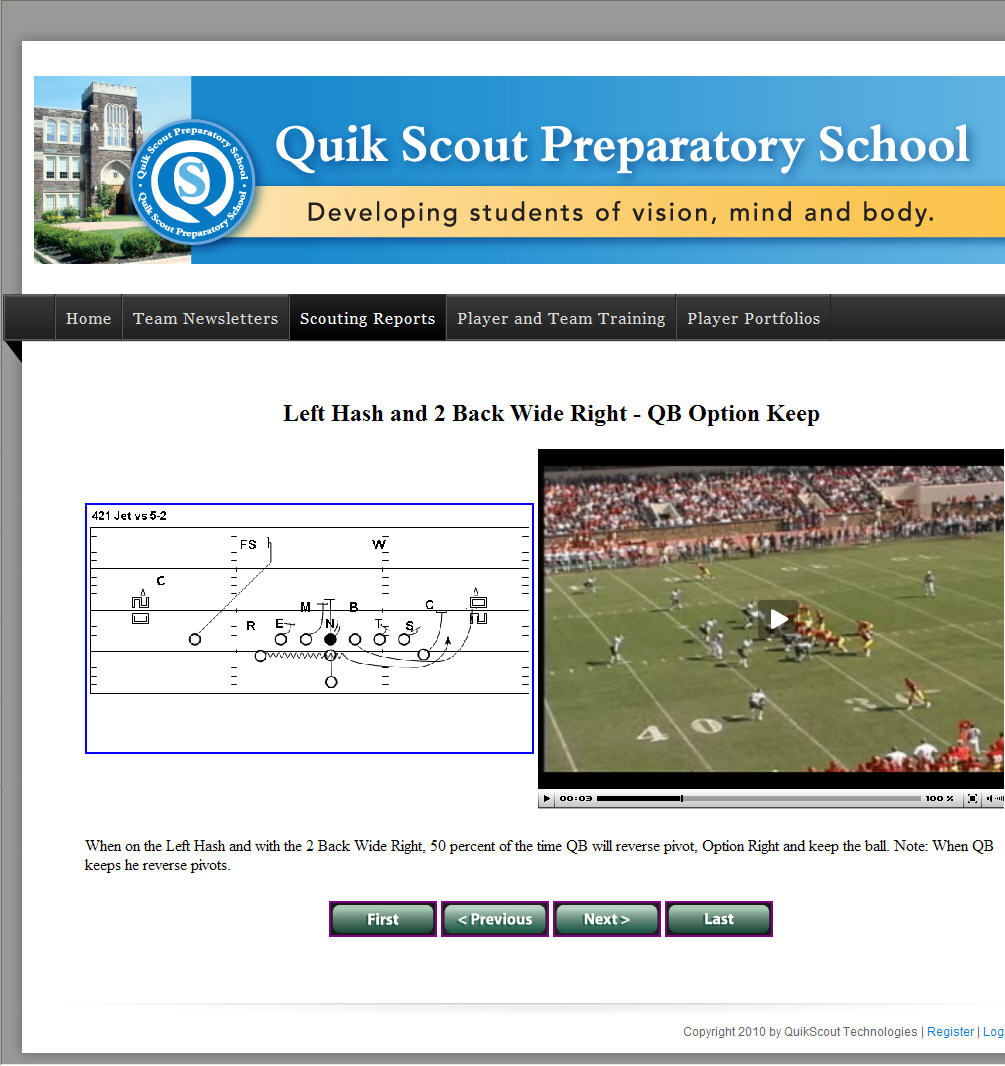
Mixing text, graphics and video, coaches can create and upload scouting reports
and playbooks
-
Players and coaches can access and review scouting reports from home
Download a Printable Brochure
Uploading and accessing scouting reports, portfolios,
playbooks and/or tutorials will require a QST Sports Network
Team License. Visit the QST Network Sports section of the
Quik Scout website for additional information.
|
|
| |
|
| |
-
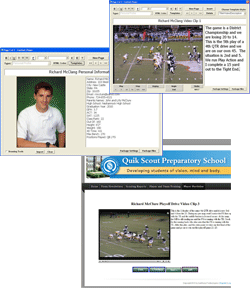
Six template options will help organize and prepare each player's information
for uploading to the team website
-
Portfolios can include a mix of photos and videos clips next to personal game
descriptions that coincide with images or video
-
Once your portfolio has been uploaded to the website, links can be emailed to
family, friends and college recruiters
|
|
| |
|
| |
-
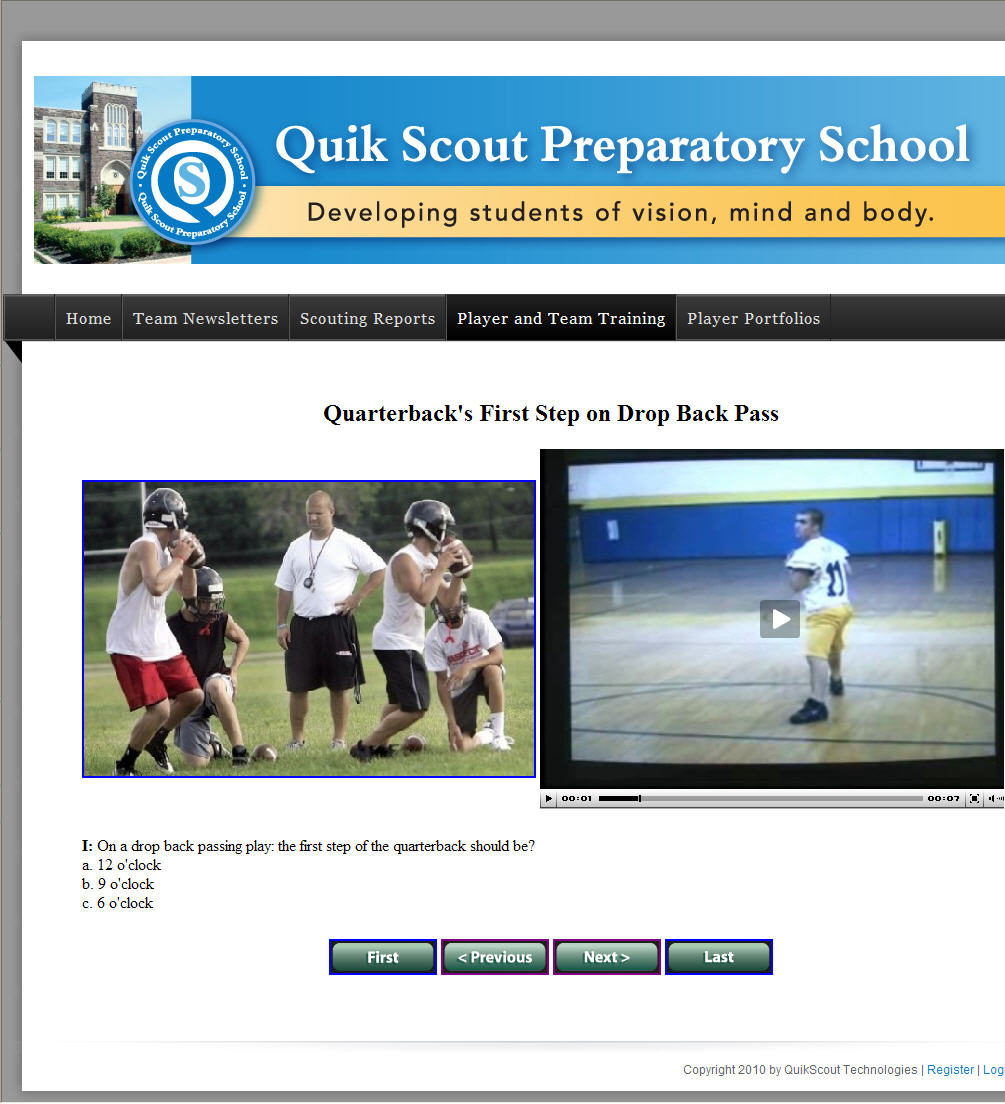
Create interactive video playbooks and training tutorials that can be uploaded
to the team website
-
Players can access and study the training lessons and playbooks from home
|
|
| |
|
| |
-
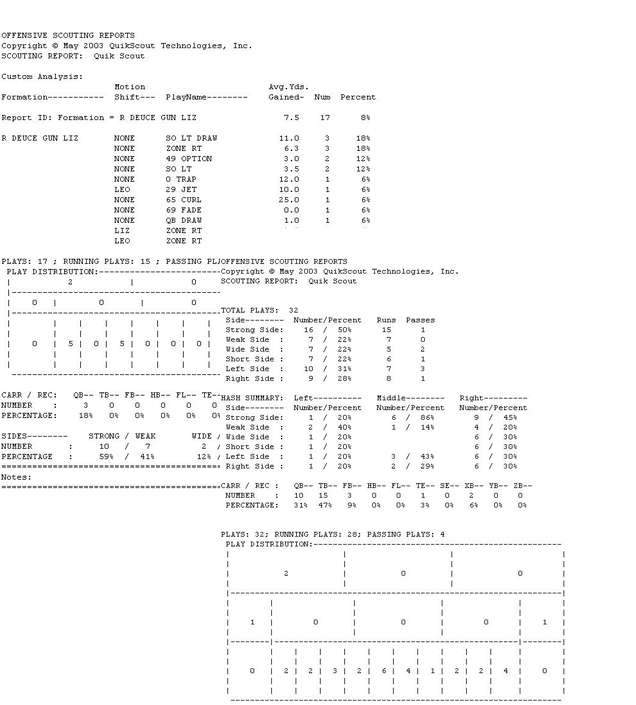
Formation Breakdowns
-
Down and Distance
-
Run vs Pass Ratios
-
Strong vs Weak and Wide vs Short
-
Six Fields Zone Request
-
Favorite Ball Carriers and Receivers
-
Left vs Right Tendencies
-
Plus, a Custom Report Generator
|
|
| |
|
| |
-
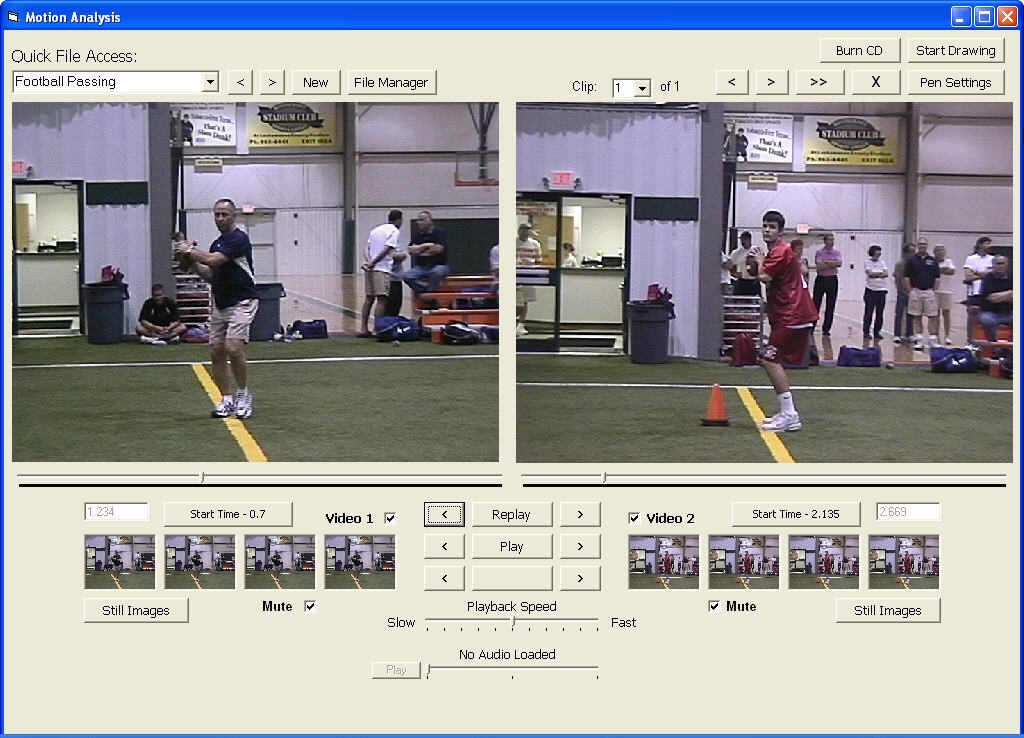
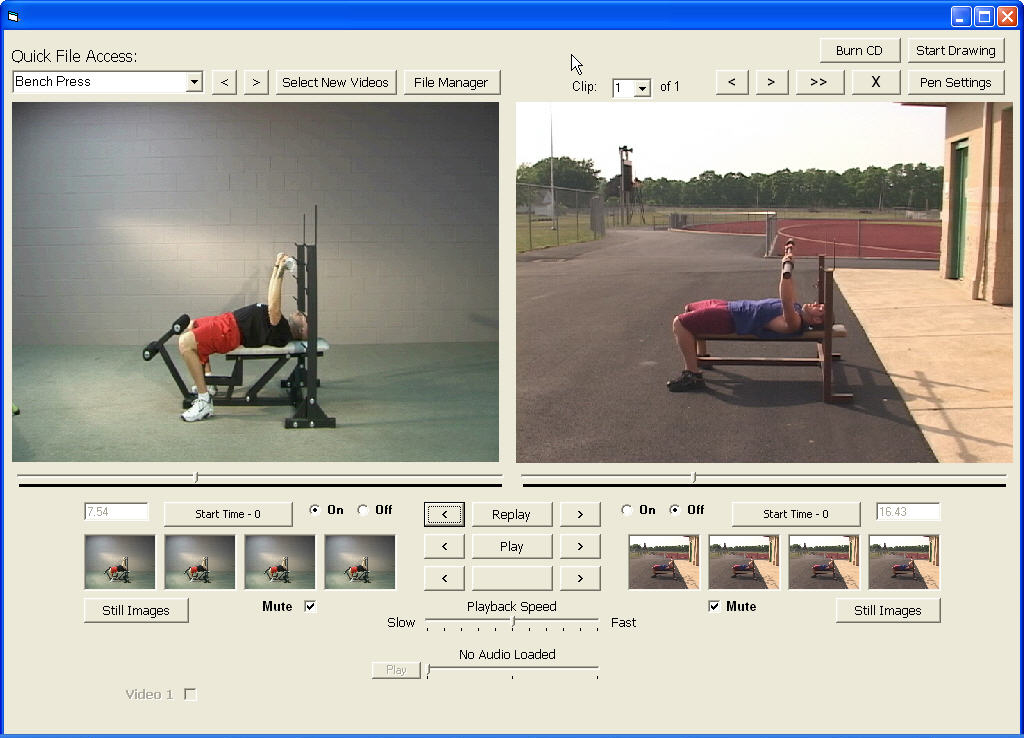
Synchronize video clips to compare and study an athlete's technique against the
model
-
Break down passing or kicking technique and study critical stages in steps,
plant and release points
-
Analyze weightlifting technique to improve performance and recude the risk of
injury
Buy Now at the Online Store!
|
|


